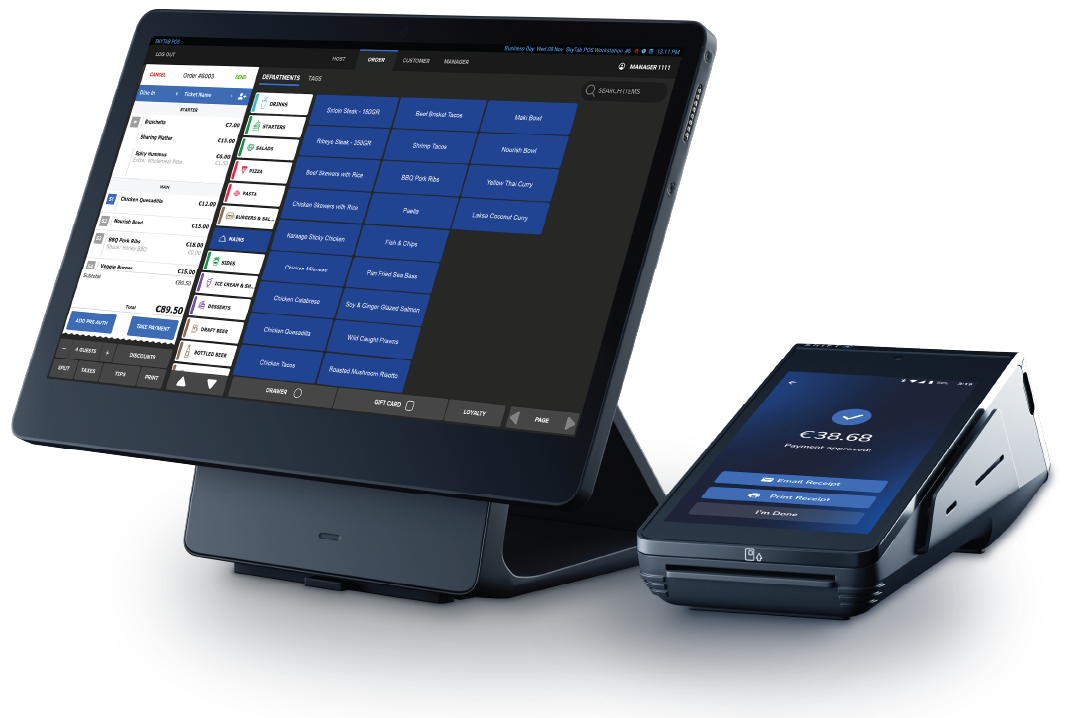
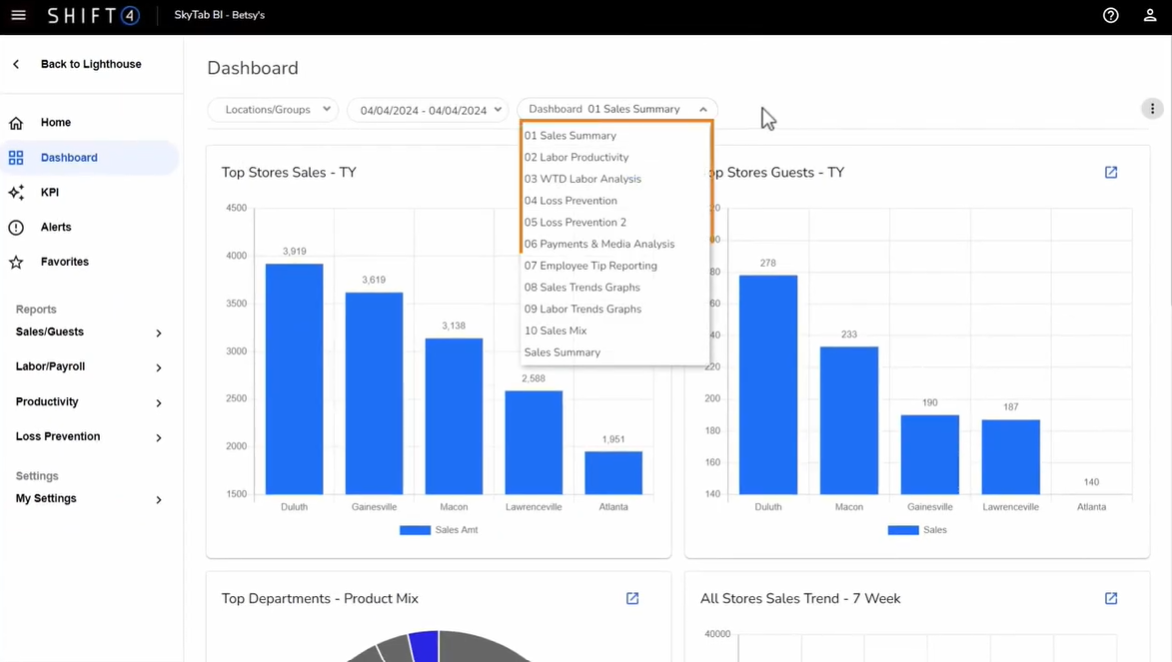
Business Intelligence is the cloud reporting and analytics platform that comes with your Shift4 Dine system. It turns the data your tills, terminals and handhelds capture every day into clear reports, dashboards and key performance indicators (KPIs) that help you run a more profitable hospitality business.
You can log in from any web browser to see how the business is performing — today, this week or across a custom date range — without standing at the till. Owners, area managers and head office teams get the visibility they need, while ithPOS provides local setup and support to get you up and running.
Business Intelligence is ideal for:
- Restaurants and gastro pubs
- Cafés and coffee shops
- Bars and nightclubs
- Hotels and food & beverage teams
- Takeaways and quick-service venues
- Single-site independents and multi-site hospitality groups
What You Can Do with Business Intelligence
From a single, secure platform you can monitor performance, dig into the detail behind any number and share insights with the right people automatically.
View KPIs at a Glance
See the headline numbers that matter — net sales, average spend, covers, labour cost and more — the moment you log in.
Run Detailed Reports
Access ready-made reports for sales, product mix, payments, labour, voids and discounts across any date range.
Group By & Drill To
Set criteria, group results the way you think about your business, then drill into the detail behind any figure.
Schedule Reports
Have any report or dashboard emailed automatically — daily, weekly or monthly — to the people who need it.
Manage Users & Permissions
Control who can log in and exactly what reports, dashboards and locations each user is allowed to see.
Report Across Locations
Set up multiple venues, compare performance site by site and report on the whole group in one place.
Business Intelligence Training & Quick Reference Guide
New to Business Intelligence? Use this quick reference guide to learn the essentials and get the most from your reporting. It is split into two areas: report training to help you read and interpret your data, and maintenance & usage training to help you set the platform up the way your business works.
Report Training
Set Up Criteria, "Group By" and "Drill To"
Most reports start with criteria — the date range, location and filters you want to look at. From there, the Group By feature lets you organise results in a way that makes sense for your venue, for example grouping sales by category, by day part or by staff member. The Drill To feature then lets you click any total to see the transactions or items behind it, so you can move from the big picture down to a single order in a couple of clicks.
Top 5 Business Intelligence Reports Every Merchant Should Know and Use Daily
A handful of reports will tell you almost everything you need to know about a trading day. We recommend building a daily habit around these:
- Sales Summary — net sales, gross sales, transactions and average spend for the period.
- Product Mix — your best and worst selling items, so you can manage your menu and specials.
- Labour — hours and labour cost against sales, helping you control one of your biggest overheads.
- Payments / Tenders — a breakdown of card, cash and other payment types for easy reconciliation.
- Voids & Discounts — where money is being taken off bills, helping you spot training needs or potential loss.
View KPIs
KPIs (key performance indicators) are the headline metrics that summarise performance — net sales, covers, average transaction value, labour percentage and more. Pin the KPIs that matter to your business so they are the first thing you see when you log in, and watch the trend day on day, week on week.
Why Run Your Reporting with ithPOS?
Reporting Built for Hospitality
Business Intelligence is designed around real hospitality data — sales, product mix, labour and payments — not generic retail dashboards, so the numbers map directly to how your venue actually trades.
One Connected Platform
Because your EPOS, integrated payments and reporting all sit together, your sales and payment data line up, making end-of-day reconciliation and performance reporting far simpler.
Local Setup & Support
ithPOS helps you configure users, permissions, locations and scheduled reports, and our team is on hand to help you get genuine value from your data.
Scales with Your Business
Whether you run one café or a group of restaurants, Business Intelligence grows with you, supporting centralised, multi-site reporting as you add venues.
Want to see Business Intelligence working with your own data? Contact ithPOS to arrange a personalised Shift4 Dine and reporting demo.